🔍
Scan from source
Spring Boot, Express, and FastAPI scanners discover endpoints without Swagger or OpenAPI files.
Discover REST endpoints from your codebase, generate collections automatically, and test with global authentication — inside VS Code and Cursor.

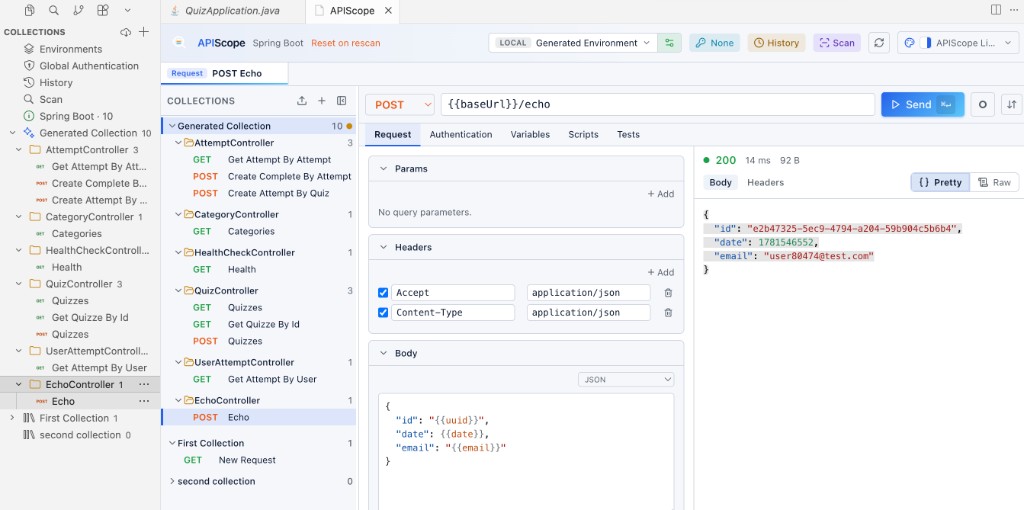
The Collections sidebar gives quick access to scanned endpoints, environments, authentication, history, and scan. Requests show color-coded HTTP method badges; generated collections use a sparkle icon:
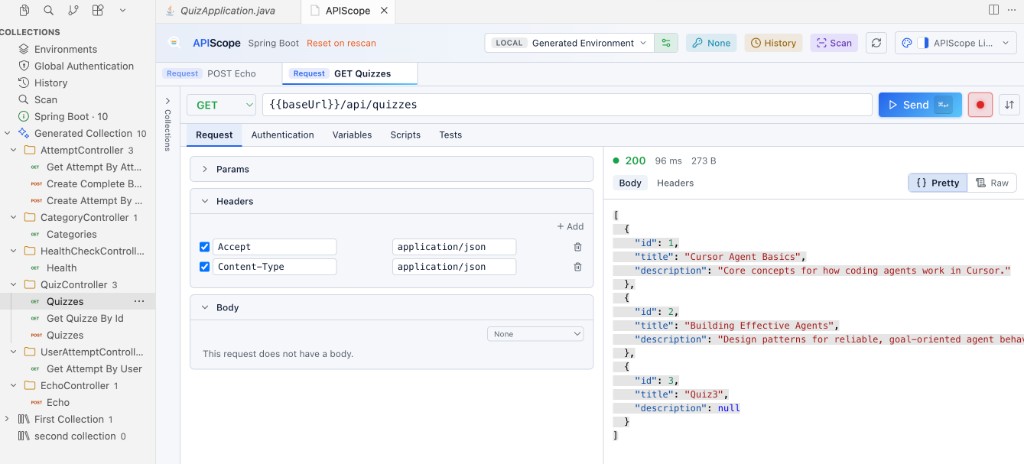
| Framework | Detection | Base URL |
|---|---|---|
| Spring Boot | @RestController, @GetMapping, … | server.port from application.properties / .yml |
| Express (Node.js) | Route definitions in JS/TS | Port from process.env.PORT or app listen call |
| FastAPI (Python) | @app.get, router decorators | Uvicorn / app config |
⌘↵ on macOS, Ctrl+Enter on Windows/Linux).See the Getting Started guide for a full walkthrough.
.apiscope/ workspace and history formatsThe extension source lives on GitHub. To build locally:
npm run install:all
npm run build
npx vitepress build docs
Press F5 to launch the Extension Development Host with a sample workspace under sample-projects/.